MEPCO Bill Check – How to Print Duplicate Bill Online
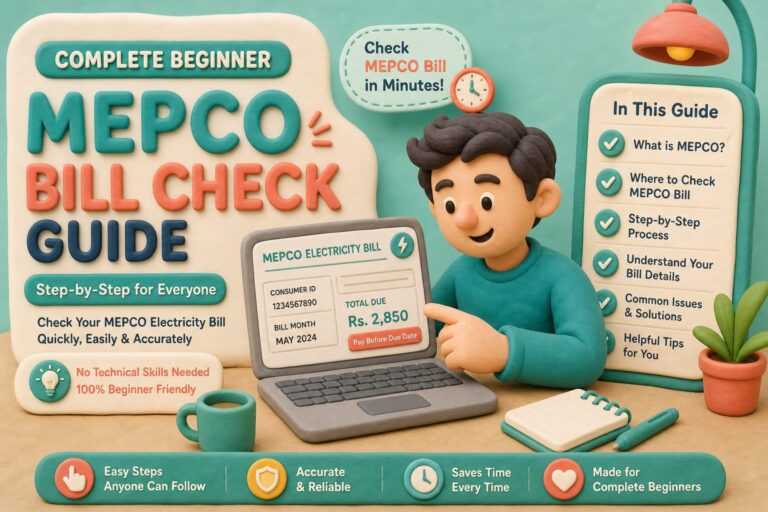
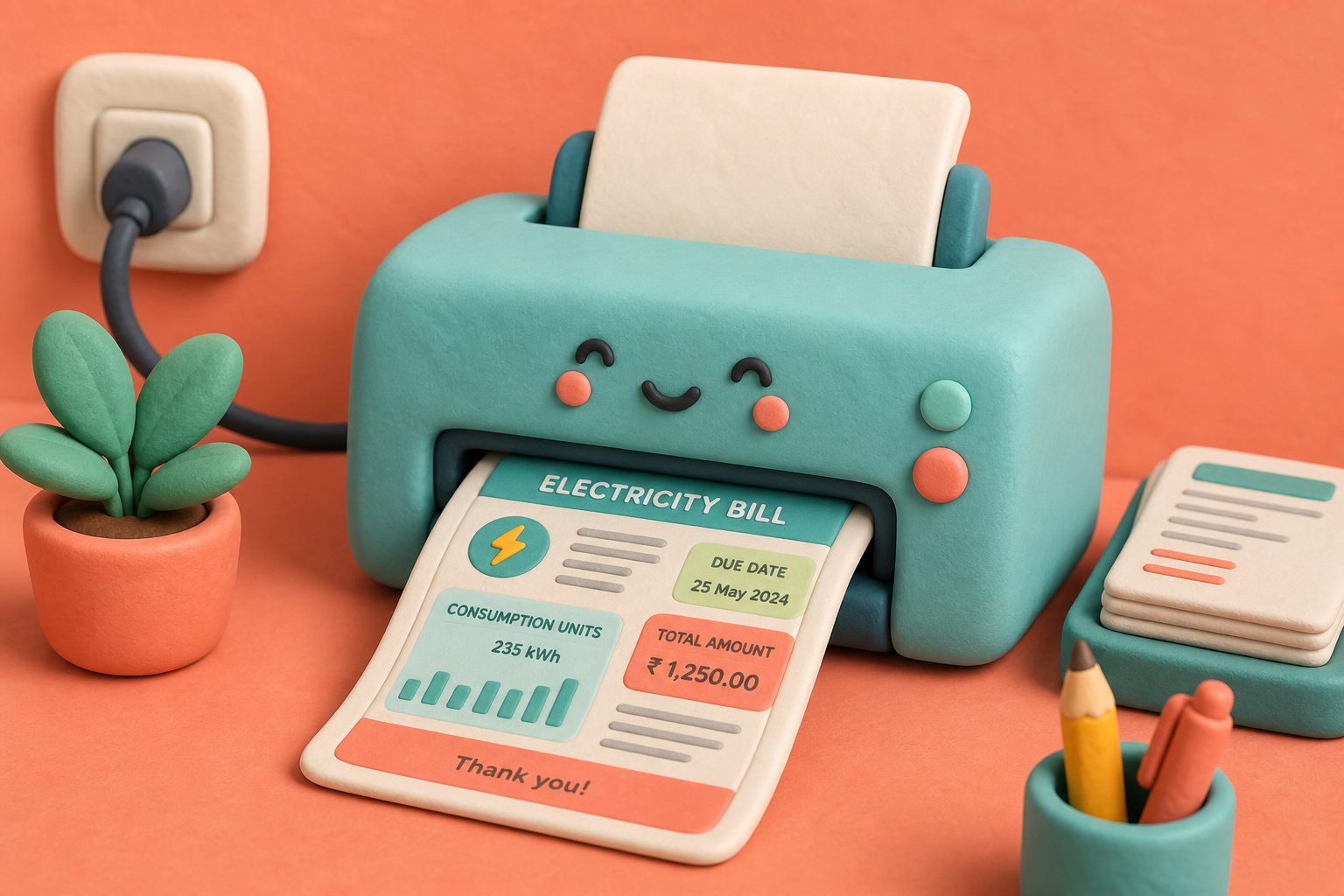
MEPCO bill check print workflows matter when a bank teller or neighbourhood agent still wants paper in hand. The online duplicate is not a “fake bill” — it is a PITC reprint of the same ledger row that generated your postal copy.
Run MEPCO bill check first, open the PITC MEPCO web bill, then print. If you only need a file, skip ink and read download PDF instead.
Print-Ready Checklist
Clay tips before you leave the printer with a MEPCO duplicate.
Table of Contents
- Print Checklist After MEPCO Bill Check
- Duplicate Print vs Postal Original — Same Ledger
- What Payment Agents Look for on Printed Bills
- Bank Counter Stories After Printing MEPCO Bills
- Ink, Paper and MEPCO Bill Check Print Quality
- Quality Assurance Before You Leave the Printer
Print Checklist After MEPCO Bill Check
- Confirm the on-screen name and reference belong to you.
- Open Print preview — ensure reference and barcode are not clipped.
- Use A4; avoid “fit to page” shrinking that blurs digits.
- Prefer colour if the agent previously rejected faint B&W barcodes.
- Keep one file copy even after you print.
Photocopy shops in Multan and Bahawalpur can print from your phone browser if home ink is empty. Send the PDF via WhatsApp to the shop number when public Wi-Fi is flaky.
Duplicate Print vs Postal Original — Same Ledger
Paying on a printed duplicate does not cancel the paper bill in the post. When the envelope arrives later, do not pay again. Cross-check payment status on the next MEPCO bill check cycle or in bill history.
User-friendly layout reminder: main content (amount + due date) should stay above the fold on screen before you print. Zoom once on mobile so you do not stamp the wrong month.
What Payment Agents Look for on Printed Bills
- Readable 14-digit reference
- Payable amount matching what you tender
- Due date still in the current cycle
- Consumer name roughly matching the payer’s story
After print-and-pay, archive digitally via save PDF guide. Compare paperless habits in online vs paper bill.
Bank Counter Stories After Printing MEPCO Bills
Tellers sometimes reject prints where the reference wraps to a second line because of huge browser zoom. Reset zoom to 100% before Print Preview during MEPCO bill check, then print once.
Carry a pen. Circling the payable amount reduces mis-heard figures in noisy branches. Keep the second copy in your bag until the SMS credit confirmation arrives — then recycle the spare if you prefer less paper clutter.
If an agent claims “online duplicates are invalid,” politely ask for the supervisor or move to a wallet payment using the same reference. Policy at authorised channels already accepts PITC reprints.
Ink, Paper and MEPCO Bill Check Print Quality
Cheap thermal rolls fade. For MEPCO duplicates you may need months later, use ordinary laser or inkjet A4. Thermal shop receipts are for temporary queue tickets, not archives.
If cyan ink is empty, black-only mode still works when digits remain sharp. Blurry economy modes that dither barcodes are false savings when an agent refuses the sheet.
Store prints away from sunlight on motorcycle fuel receipts stacks — heat warps paper and smears toner before the next MEPCO bill check cycle.
Quality Assurance Before You Leave the Printer
Fan the printed page — wet ink smears in bags. Confirm all fourteen reference digits are legible under shop fluorescent light, not only on your bright phone screen during MEPCO bill check.
If the barcode is cut at the margin, reprint with narrower margins. One extra page costs less than a refused payment trip across Multan traffic.
Frequently Asked Questions
Can I pay MEPCO with a printed duplicate?
Yes at banks and authorised agents that accept PITC reprints.
Is colour printing mandatory?
Not always, but colour helps when barcodes print faintly in black and white.
Can a shop print my bill without my email?
Yes — open the duplicate on your phone or transfer a PDF by WhatsApp.
Does print expire?
The paper is valid for the billing cycle’s payable amount. Old months show stale totals.
Should I sign the printout?
Only if your workplace process requires it; MEPCO itself does not need your signature on a consumer duplicate for wallet payment.