MEPCO Bill Check – How to Download Duplicate Bill PDF
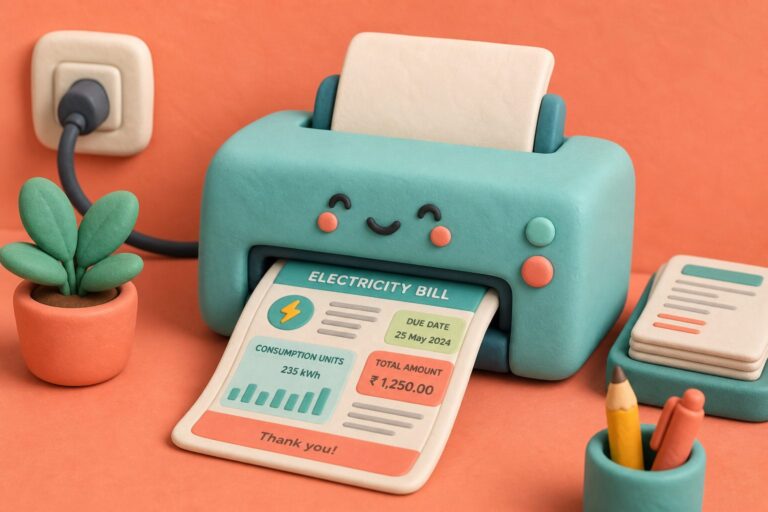
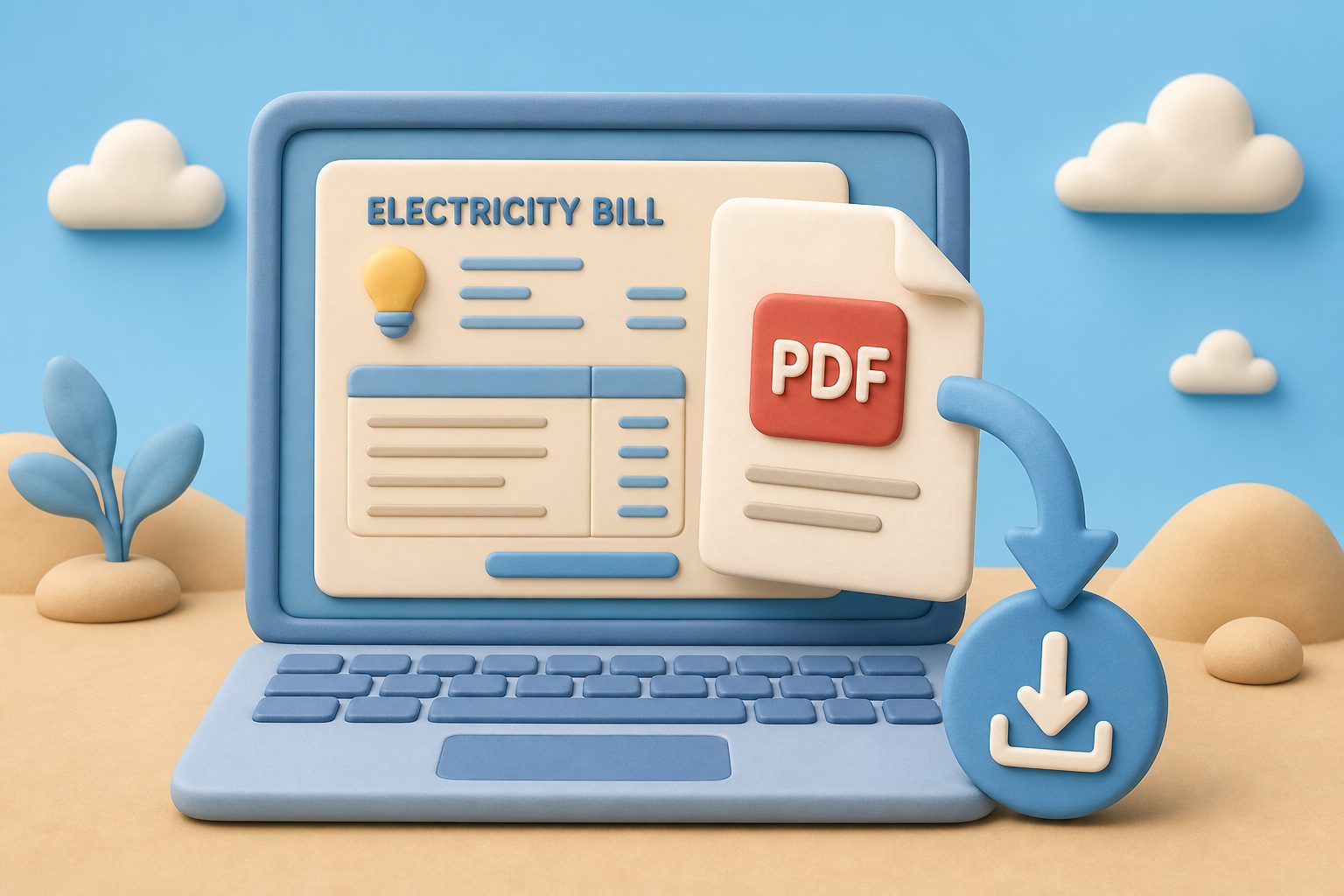
MEPCO bill check users can save the duplicate bill as a PDF after confirming the consumer name, billing month, amount, and due date. A properly saved file is more useful than a screenshot for rental records, office reimbursements, and billing disputes.
Complete lookup on the MEPCO bill checker, verify the page from PITC MEPCO duplicate bill, then save. Printing without saving is covered separately in print duplicate bill.
Download Duplicate Bill PDF
Archive-ready MEPCO bill check files for phone and PC.
Open Duplicate
After successful check
Print Dialog
Ctrl/Cmd + P
Save as PDF
Not a physical printer
Name File
MEPCO-YYYY-MM.pdf
Table of Contents
- Verify Before You Hit Save as PDF
- Desktop Path for MEPCO Bill Check PDFs
- Mobile Save Paths Android and iPhone
- How PDF Duplicates Are Used in Real Disputes
- Building an Audit Trail with MEPCO Bill Check PDFs
- Device Matrix for Clean MEPCO Bill PDFs
Verify Before You Hit Save as PDF
Confirm billing month matches the cycle you intend to pay. Downloading last month’s PDF after you already paid is how double payments start. Check name, reference, units, and due date in that order — amount alone can look “about right” on the wrong connection.
The main actions are simple: open the duplicate bill, use the browser’s print or share menu, save the file as a PDF, rename it clearly, and store it in a secure folder.
Desktop Path for MEPCO Bill Check PDFs
- With the duplicate bill visible, press Ctrl+P (Windows) or Cmd+P (Mac).
- Choose Save as PDF or Microsoft Print to PDF.
- Set portrait, scale 100%, margins default so barcodes stay intact.
- Name the file MEPCO-Bill-YYYY-MM-RefLast4.pdf for searchability.
Cloud sync folders beat Desktop clutter. OneDrive or Drive means the same PDF is ready when you open a bank app on your phone five minutes later.
Mobile Save Paths Android and iPhone
Android Chrome: menu → Share → Print → Save as PDF. Manufacturer skins move the entry; search the share sheet for Print if you do not see it. iPhone: Share → Save to Files or Books, then move into a MEPCO folder in iCloud.
Label screenshots clearly
Prefer a PDF over screenshots. When a screenshot is necessary, rename it with the company, billing month, and purpose—for example, “MEPCO-July-2026-Amount-Due”—so it is easy to find later.
How PDF Duplicates Are Used in Real Disputes
Rental tribunals and HR reimbursement desks commonly accept PITC duplicates plus bank proof. Do not edit amounts in a PDF editor — the original file should remain unchanged. Keep the original export untouched; annotate on a copy if you highlight the due date for a relative.
Deeper phone filing tips live in save MEPCO bill PDF. Unit questions after download belong on understand units.
Building an Audit Trail with MEPCO Bill Check PDFs
Accountants ask for a trail: duplicate PDF, payment receipt, and optionally a screenshot of bill history showing Paid. Assemble that trio in one Drive folder per fiscal year after each MEPCO bill check download.
For rentals, attach the PDF to the month’s rent acknowledgement email. If a dispute arises about who owed electricity in March, the filename and PDF metadata beat a verbal claim.
Avoid storing PDFs only inside chat apps that chat-history-clear. Export out of WhatsApp into Files the same day you save.
Device Matrix for Clean MEPCO Bill PDFs
Windows laptops with Chrome produce consistent A4 PDFs. Edge works too if you pick Save as PDF explicitly rather than a physical printer queue that is offline.
macOS Preview can merge twelve monthly PDFs into one yearbook after each MEPCO bill check download season — useful for landlords presenting annual costs to tenants.
Chromebooks save to Google Drive by default; rename immediately or Drive’s generic titles will bury July under Untitled.
Frequently Asked Questions
Is a downloaded MEPCO bill valid for payment?
Yes. Banks and wallets accept PITC duplicate bills for the current cycle.
Can I email the PDF to an accountant?
Yes. Attach the unmodified file and keep the transaction receipt with it.
Why is my PDF blurry?
You likely photographed the screen. Use the browser Print → Save as PDF path instead.
Does PDF include barcode?
The PITC layout includes payment identifiers; keep scale at 100% so nothing crops.
How long should I keep MEPCO PDFs?
Households: at least 12 months. Business expense claims: follow your tax advisor, often several years.