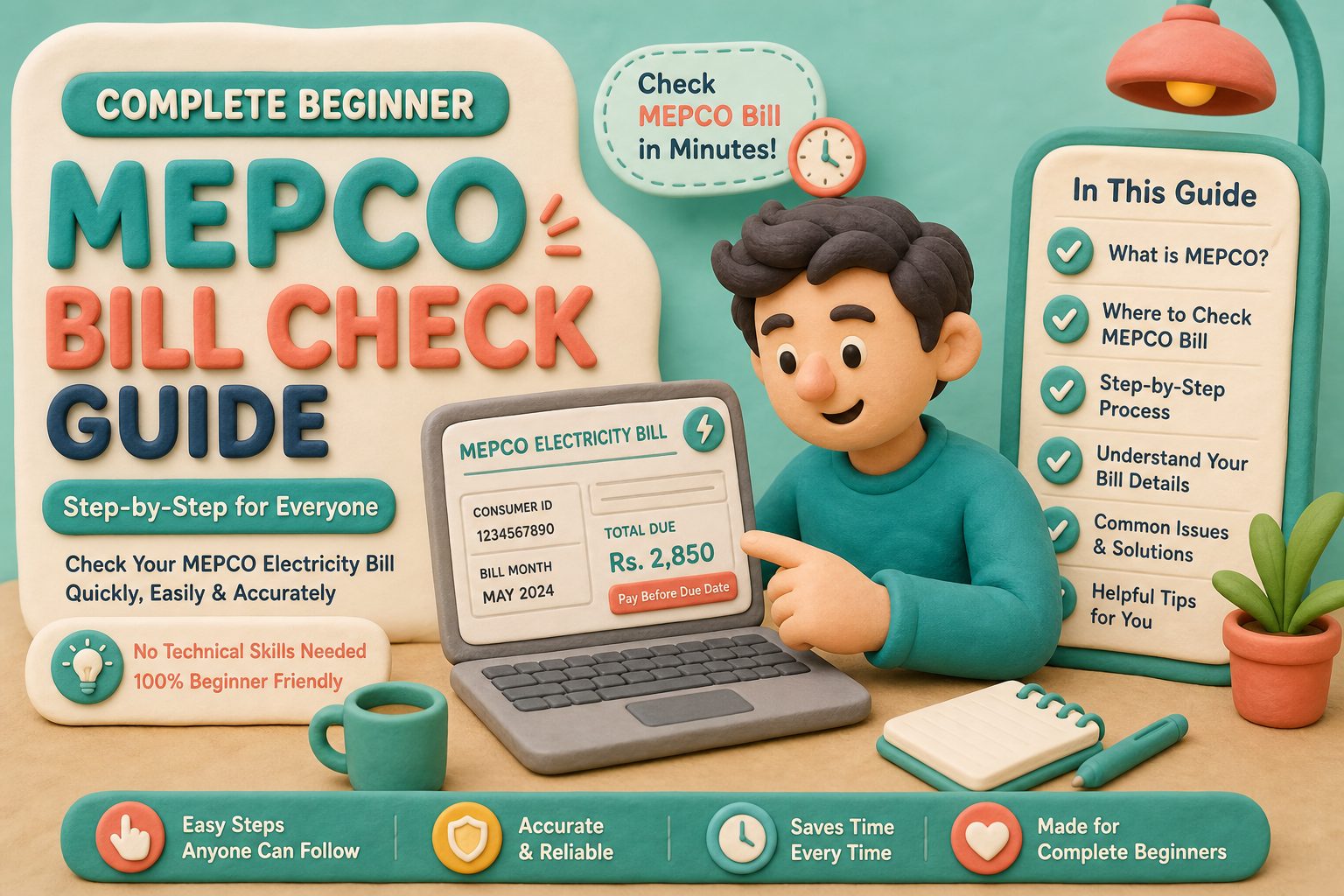
MEPCO Bill Check Online – Complete Beginner Guide 2026
MEPCO bill check online lets new users view a Multan Electric Power Company duplicate bill without visiting an office. This beginner guide explains the basic process and links to separate guides for SMS checking, missing reference numbers, payment, and high-bill problems.
Use the free MEPCO bill checker powered by PITC MEPCO web-bill. Estimate charges with the MEPCO Bill Calculator and read About Us for who runs this helper site.
Beginner MEPCO Bill Check
First-success path for new Multan Electric users.
Get reference
Open checker
Verify bill
Pay on time
Table of Contents
- Beginner Checklist Before Your First MEPCO Bill Check
- First Successful MEPCO Bill Check — Minute by Minute
- Related MEPCO Bill Guides
- Common First-Time MEPCO Bill Check Mistakes
- Quick Answers for Common Questions
- What to Learn After Your First Successful Check
Beginner Checklist Before Your First MEPCO Bill Check
- A previous bill or photo showing 14-digit reference or 10-digit consumer ID
- Stable internet on phone or computer
- Popup permission ready for the PITC result tab
- A wallet or bank app if you plan to pay immediately
Most first-time users need clear steps rather than tariff details. Keep the paper bill or a clear photo visible while typing so you can copy every digit accurately instead of relying on memory.
First Successful MEPCO Bill Check — Minute by Minute
- Open the homepage checker.
- Choose Reference Number (default for most beginners).
- Enter 14 digits without spaces; submit.
- Confirm name/address; note amount and due date.
- Save PDF; pay; store the receipt beside the PDF.
If you are stuck on day one
Try consumer ID, read not found fixes, or use SMS 8334 for amount only.
Related MEPCO Bill Guides
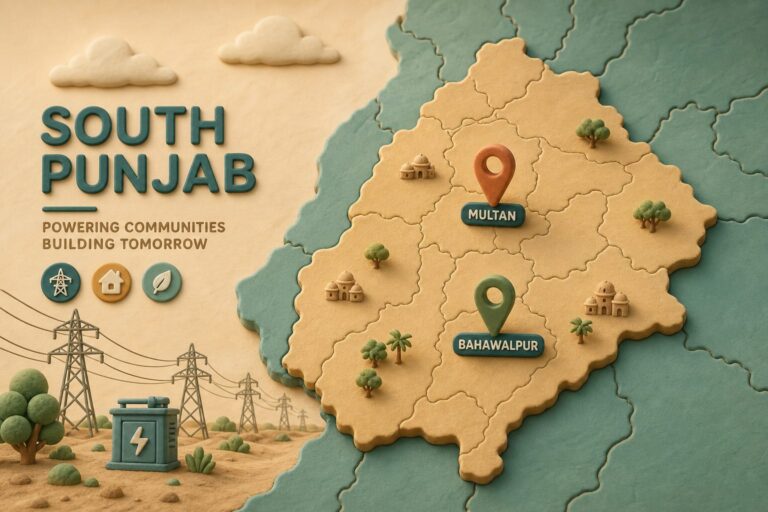
Each linked guide covers a different task. Explore payment through JazzCash and Easypaisa, learn how to read electricity units, check South Punjab coverage, or compare an online duplicate with a paper bill.
The guides use plain English while explaining common Pakistani electricity terms such as reference number, duplicate bill, DISCO, and fuel price adjustment (FPA).
Common First-Time MEPCO Bill Check Mistakes
Mistake lab 1: typing spaces every four digits like a card number. Mistake lab 2: paying before reading the name line. Mistake lab 3: trusting a random APK over the browser checker.
Run a supervised first attempt with a second person watching. The social pressure of a witness oddly reduces digit errors more than another tutorial paragraph.
Move to the specialist guides after one successful bill check so the extra information does not overwhelm a first-time user.
Quick Answers for Common Questions
What is MEPCO bill check? It is the online lookup of a Multan Electric duplicate bill via PITC using reference number or consumer ID. How long does it take? Usually under two minutes on mobile data. Is it official data? Yes when results come from bill.pitc.com.pk.
These concise answers help readers understand the service quickly, while the rest of the page provides the detailed steps and related guides.
What to Learn After Your First Successful Check
After three clean months, read one specialist article before the next due date — payment, units, or errors. Spaced learning beats one giant dump.
Teach one neighbour using this beginner page only. Teaching reveals gaps in your own steps.
When you can explain reference versus consumer ID without notes, you have graduated from this pillar guide.
Frequently Asked Questions
Can I check MEPCO bill without registration?
Yes. Reference number or consumer ID is enough — no account signup on PITC.
Can I download a duplicate MEPCO bill?
Yes. Use Print → Save as PDF after a successful online check.
Is MEPCO bill check free?
Online duplicate viewing is free. SMS may cost a normal operator SMS.
What if I only know my CNIC?
CNIC cannot search PITC. Recover reference at MEPCO with CNIC, then check online.
Does this work on mobile?
Yes. Mobile browsers are the most common way to complete MEPCO bill check today.