MEPCO Bill Check Errors – Quick Fixes Guide 2026
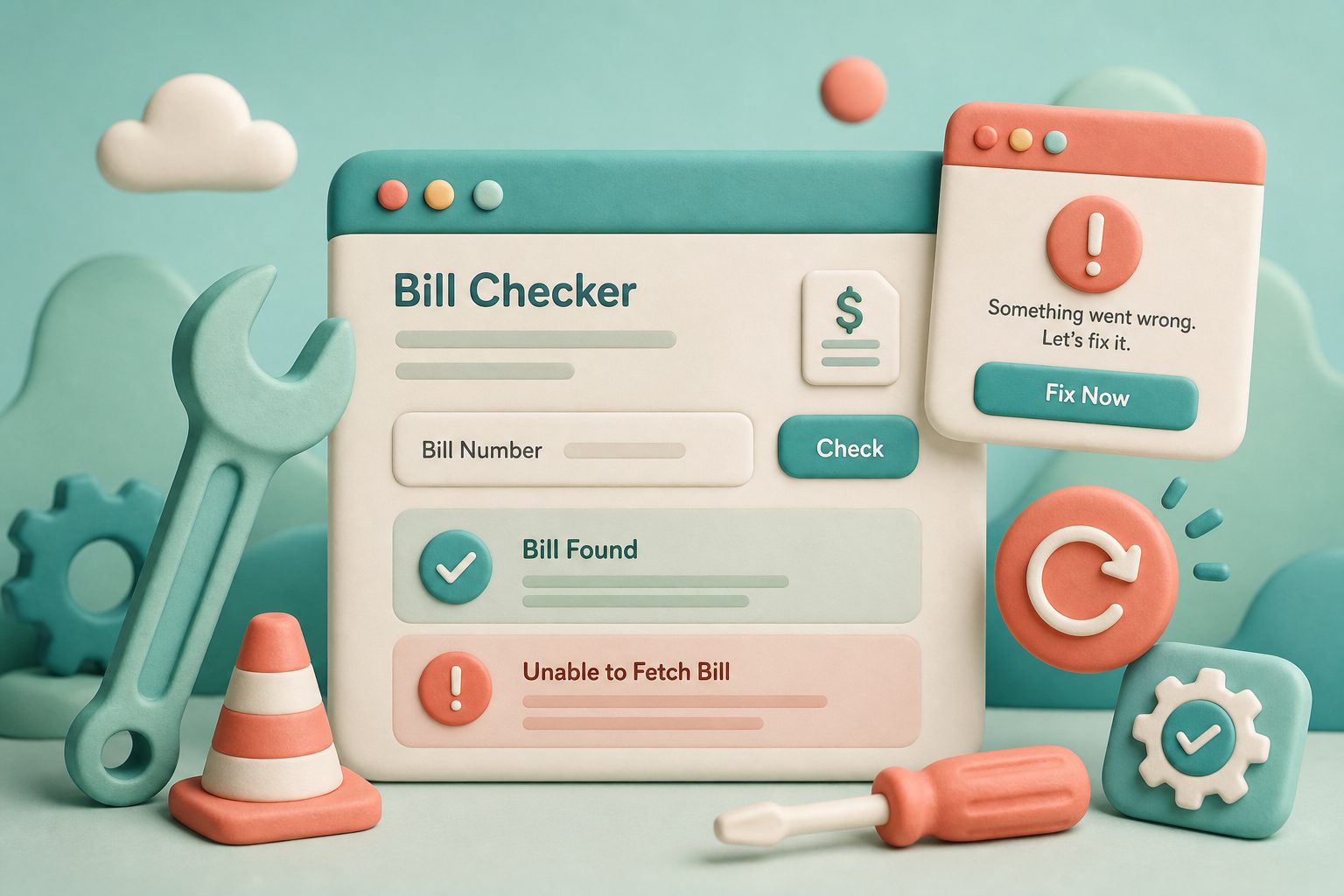
MEPCO bill check errors feel dramatic, yet five causes explain most failures: bad digits, wrong tab, popup block, PITC congestion, or a mismatched connection. This matrix is for repair, not for learning tariffs.
Reproduce on MEPCO bill check after each tweak. Backend health depends on PITC MEPCO. “Not found” alone has its own long guide: bill not found.
Error Fix Bubbles
Most MEPCO bill check failures have a soft fix.
Invalid Number
Recount & retab
Blank Tab
Allow popups
Timeout
Retry off-peak
Wrong Name
Stop payment
Table of Contents
- MEPCO Bill Check Error Matrix
- Browser Fix Order That Saves Time
- Why Sloppy Pages Feel “Broken” Even When PITC Is Fine
- Monthly Error Drills Before Billing Day
- Personal Change Log for Recurring Errors
- Maintain a Known-Good Device for Emergencies
- MEPCO Bill Check Insight: Errors Fixes
- MEPCO Bill Check Status Communication Templates
MEPCO Bill Check Error Matrix
- Invalid number → recount 14/10 digits, strip spaces, switch tab
- Blank tab / nothing opens → allow popups; disable aggressive blockers
- Wrong name → you typed another connection’s ID; stop payment
- Spinner forever → retry off-peak; try mobile data; SMS 8334 for amount
- HTML oddities / cut layout → zoom out; try another browser; avoid text-only mode
Clean HTML and light pages help load speed. If a corporate proxy injects scripts that break PITC’s POST, tether to phone data for the session.
Browser Fix Order That Saves Time
- Allow popups for mepcobillpk.app and bill.pitc.com.pk
- Retry in a private window
- Disable ad blockers for the two hosts
- Switch Chrome ↔ Firefox ↔ Safari once
- Fall back to SMS summary or helpline
Phone-specific notes: mobile guide. Reference hygiene: find reference.
Why Sloppy Pages Feel “Broken” Even When PITC Is Fine
W3C-style cleanliness and mobile layout are quality signals users feel instantly: main content visible, buttons tappable, no overlapping modals. If our checker UI ever looks clipped, rotate the phone or update the browser before assuming your bill vanished.
Monthly Error Drills Before Billing Day
Once a month, before bills publish, open MEPCO bill check on the phone you actually use for payment. Confirm popups still allowed after browser updates — updates quietly reset permissions.
Keep a written “break glass” card: reference, consumer ID, helpline, SMS format. When errors stack during outages, the card beats scrolling old chats.
If a corporate laptop’s SSL inspection breaks PITC, switch to phone data. Document that workaround in your IT ticket so the next employee is not stuck.
Personal Change Log for Recurring Errors
When MEPCO bill check fails, jot date, device, browser version, error type, fix that worked. Patterns emerge — maybe only Friday Firefox breaks for you.
Share the log with family IT helpers instead of vague “site not working” texts.
After three identical fixes, automate prevention (pinned popup setting, bookmark to HTTPS URL).
Maintain a Known-Good Device for Emergencies
Designate one phone where MEPCO bill check always worked last month. When the new phone fails, A/B test on the known-good device.
That isolates device issues from PITC outages in minutes instead of hours of blame.
MEPCO Bill Check Insight: Errors Fixes
Escalate with precision: include OS version, browser version, screenshot of the exact error, reference length you typed (not necessarily the full number in public tickets), and time of attempt. Vague tickets (“bill not opening”) bounce. If you are posting in a public Facebook group for help, never paste the full reference; ask about symptoms only. Good MEPCO bill check hygiene online is part of collective security for the whole consumer community.
MEPCO Bill Check Status Communication Templates
Text to family: “Portal timeout at 8:10pm, will retry 7am, SMS amount is X, do not double pay.” Clear status prevents parallel payments during errors.
Templates feel formal, yet they stop chaotic five-person problem solving on one broken MEPCO bill check session.
Frequently Asked Questions
Why does MEPCO bill check open a blank tab?
Popup blocker almost always. Allow popups and submit again.
Is the site down if PITC times out?
Often the upstream portal is busy. Retry later or use SMS 8334.
Wrong consumer name — pay anyway?
No. Re-check digits until the name matches your connection.
Does clearing cookies help?
Sometimes for stuck sessions. Clear site data for PITC, then retry.
Error 500 from PITC?
Server-side — wait and retry; your digits may still be fine.